Breville 870XL Temperature Settings Guide
Learn how to adjust brew temperature on your Breville Barista Express 870XL using PID controls. Optimize extraction for different roasts.
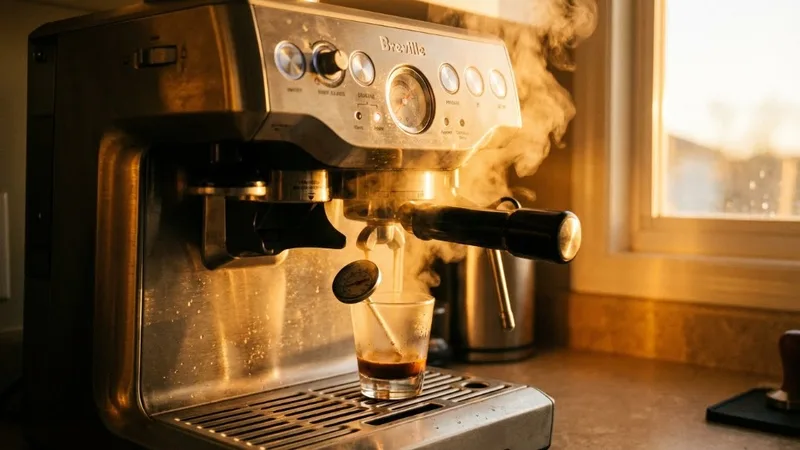
Temperature is the variable most home baristas completely ignore. We obsess over grind size and dose, but brew temperature has just as much impact on flavor. Changed my light roast game completely once I figured out these hidden controls.
Good news: your Breville 870XL has temperature adjustment built in—you just have to know how to access it. Let me show you.
Understanding Your Breville Temperature System
What is PID Temperature Control?
PID (Proportional-Integral-Derivative) is the tech that maintains your brew temperature. Unlike older machines that swing wildly between too hot and too cold, PID-equipped machines like the Barista Express hold temp within a tight range.
The system constantly monitors and adjusts heating. Result: more consistent shots, less guessing about what went wrong.
Default Factory Temperature
Your Breville ships set to 93°C (200°F)—a middle-ground that works for most medium roasts. This is stored as “0” in the adjustment menu.
Temperature Adjustment Range
You can adjust ±4°F from default:
| Setting | Temperature | Best For |
|---|---|---|
| -4°F | 91°C (196°F) | Dark roasts, reducing bitterness |
| -2°F | 92°C (198°F) | Medium-dark roasts |
| 0 (Default) | 93°C (200°F) | Medium roasts |
| +2°F | 94°C (202°F) | Medium-light roasts |
| +4°F | 95°C (204°F) | Light roasts, boosting extraction |
How Temperature Affects Espresso Flavor
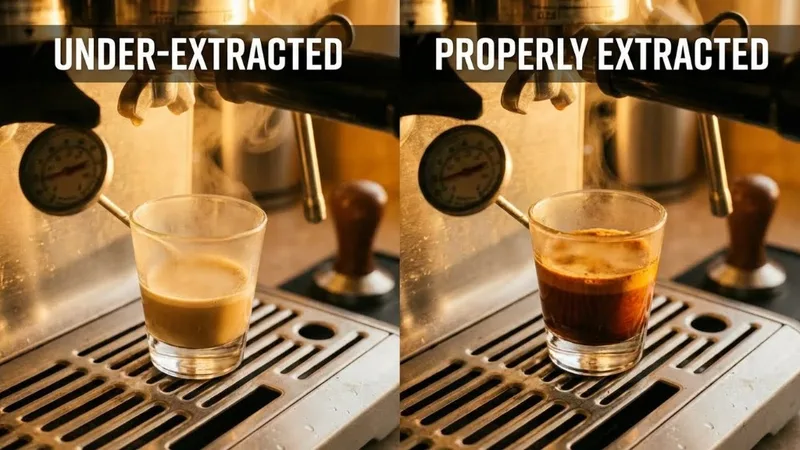
Higher Temperature (+2°F to +4°F):
- Increases extraction efficiency
- Brings out sweetness from light roasts
- Can cause bitterness with dark roasts
- Helps with dense, hard beans
Lower Temperature (-2°F to -4°F):
- Gentler extraction
- Prevents bitterness in dark roasts
- Preserves delicate flavors
- May cause sourness if too low for the roast
Step-by-Step: How to Change Brew Temperature
Entering Temperature Mode
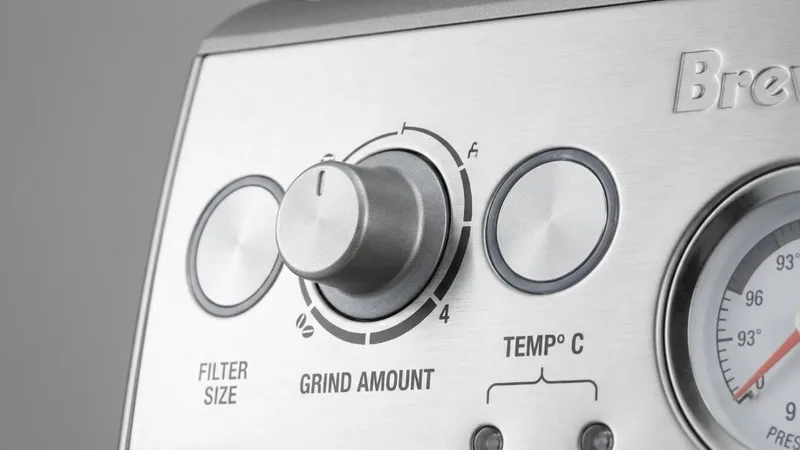
- Power off your Barista Express completely
- Press and hold the PROGRAM button
- While holding PROGRAM, press the POWER button
- Wait for single beep—you’re in temperature mode
The machine shows current setting through which button lights up.
Adjusting Temperature
Once in adjustment mode:
To Increase Temperature:
- Press 1 CUP button for +2°F (94°C/202°F)
- Press 2 CUP button for +4°F (95°C/204°F)
To Decrease Temperature:
- Press FILTER SIZE button for -2°F (92°C/198°F)
- Press POWER button for -4°F (91°C/196°F)
Confirming Changes
After selecting your temperature:
- Wait for double beep confirming the setting
- Machine exits temperature mode automatically
- Let it heat up 10-15 minutes before pulling shots
Resetting to Factory Default
To return to 93°C (200°F):
- Enter temperature mode (hold PROGRAM + press POWER)
- Press PROGRAM button
- Wait for confirmation beep
- Default restored
Temperature Recommendations by Roast Level
Light Roasts (+2°F to +4°F)
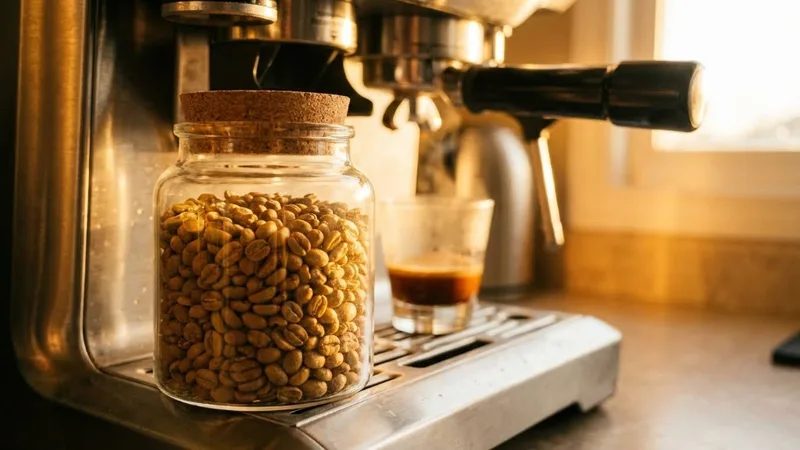
Light roasts are dense beans that need more heat. Default temperature often produces sour, under-developed shots with light roasts. I run +4°F for most Ethiopian and Kenyan coffees.
Signs you need higher temp:
- Sour, unpleasant citrus (not the good bright kind)
- Thin body
- Harsh acidity
- Fast extraction despite fine grind
Medium Roasts (Default: 0)
Factory setting works well for most medium roasts. Start here and only adjust if you notice consistent problems.
Dark Roasts (-2°F to -4°F)
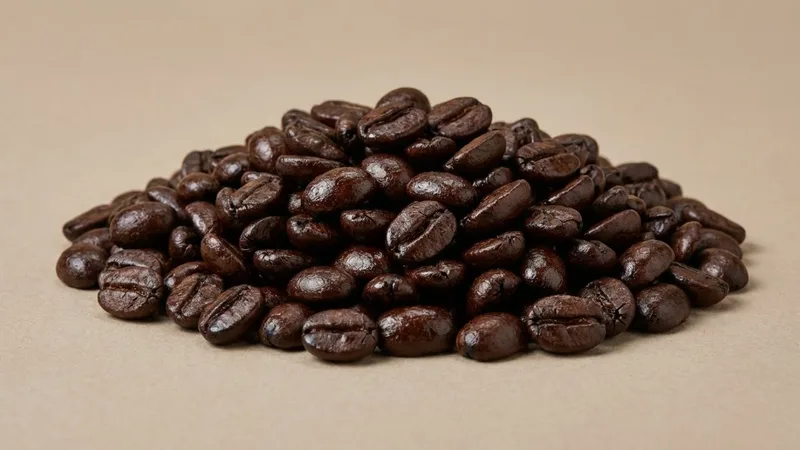
Dark roasts are porous and extract quickly. High temps push them into bitter, ashy territory. I use -2°F for most dark Italian roasts.
Signs you need lower temp:
- Bitter, burnt taste
- Ashy or smoky notes
- Heavy, unpleasant body
- Slow extraction with bitter finish
Troubleshooting Temperature Issues
Why Actual Brew Temperature May Differ
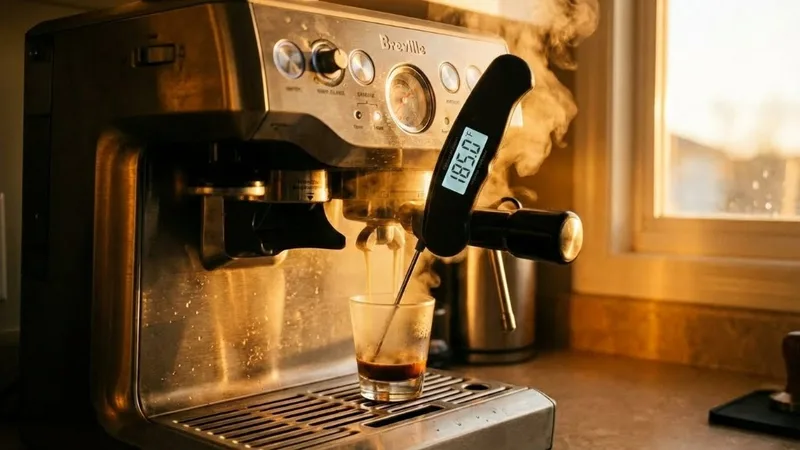
Important: the PID setting doesn’t equal water temperature hitting your coffee. There’s heat loss as water travels from boiler through group head.
Typical drop: 15-20°F lower at the puck than boiler setting.
This is normal—settings are calibrated for this. Don’t stress the absolute numbers; focus on how coffee tastes.
Tips for Accurate Results
- Fully preheat your machine (15-20 minutes)
- Preheat portafilter by running a blank shot
- Warm your cup for more temperature stability
- Pull shots back-to-back for consistency (avoid long idle)
When Temperature Doesn’t Help
If you’ve tried both extremes and shots still taste off:
- Check grind size first (most common issue)
- Verify dose consistency
- Make sure beans are fresh (1-4 weeks from roast)
- Clean your machine (oil buildup affects extraction)
Frequently Asked Questions
What is the default temperature on Breville Barista Express?
Factory default is 93°C (200°F), shown as “0” in adjustment menu.
Can I adjust between the preset settings?
No—Barista Express only allows ±2°F increments. You can’t set 1°F steps or in-between values.
Why is actual brew temperature lower than the setting?
Normal. Water loses heat traveling from boiler through group head to coffee. Settings are calibrated to account for this.
Does temperature adjustment affect extraction time?
Slightly. Higher temps can speed up extraction by a second or two—hotter water is more efficient. You may need to grind slightly coarser when increasing temperature.
How often should I adjust temperature?
Only when switching between significantly different roast levels. Most home baristas find one setting works for their preferred roast style and rarely change it.
Related Guides:

Mikael
Home espresso enthusiast and Breville specialist. Helping you master the art of coffee brewing from your own kitchen.
Learn more about me →