Breville Error Codes: Complete Troubleshooting Guide
Decode and fix common Breville error codes. Step-by-step solutions for flashing lights, beeping sounds, and error messages on your espresso machine.
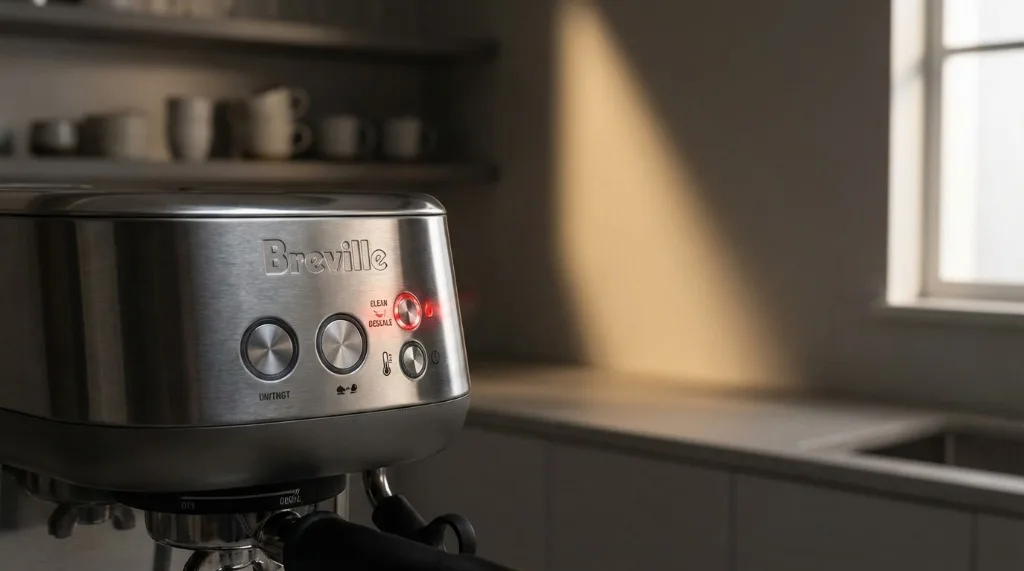
6:15 AM, desperate for coffee, and my Barista Express greets me with flashing lights I’ve never seen before. Nothing works. That panicked “is my machine dead?” feeling is something every Breville owner experiences eventually.
Good news: after troubleshooting my own machine and helping friends decode theirs, I can tell you most error codes have straightforward fixes. Usually it’s just the machine asking for cleaning or descaling—not catastrophic failure.
Let me walk you through every common error, what causes them, and exactly how to fix them without calling for service.
Understanding Breville Error Communication
Breville machines communicate problems differently depending on your model:
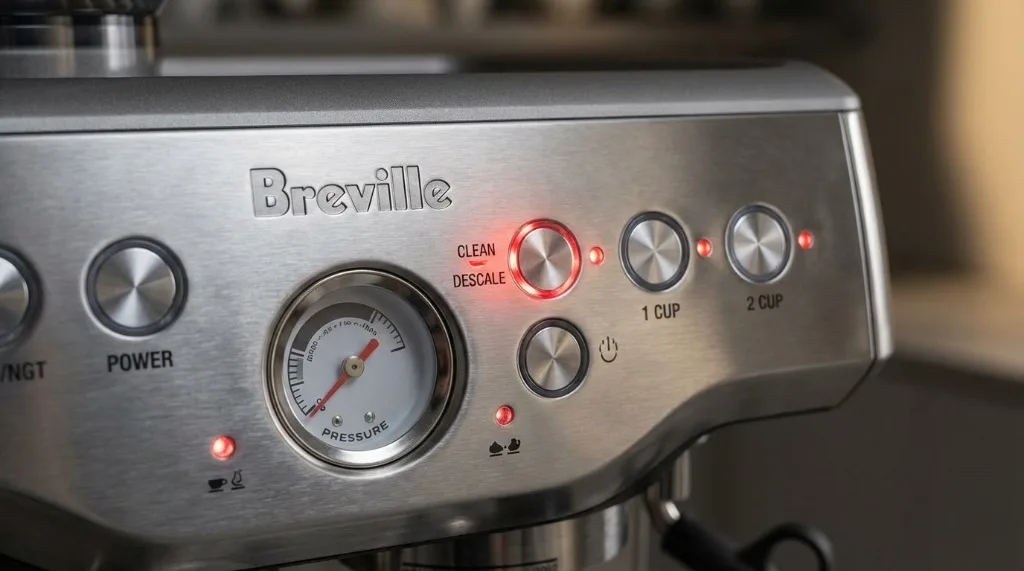
Light Indicators
Single flashing light:
- Cleaning needed
- Descaling due
- Water tank empty or not seated right
Multiple lights flashing together:
- More serious issues
- Specific button combos indicate specific problems
- May need reset or service
Beeping Sounds
- Single beeps: Acknowledgment or minor issue
- Continuous beeping: Pay attention now
- Rapid beeping: Something actually wrong—safety issue possibly
LCD Messages (Oracle/Touch Models)
- Clear text on screen telling you what’s up
- Navigation menus for diagnostics
- Step-by-step guided fixes
Error 1: Cleaning Cycle Required (Most Common)
How it appears:
- “Clean Me” light flashing
- Cleaning indicator lit up
- LCD shows “Clean Cycle Required”
What’s happening: The machine has tracked roughly 200 shots and knows coffee oils have accumulated in the grouphead and internal pathways. This is normal—the machine is designed to ask for this.
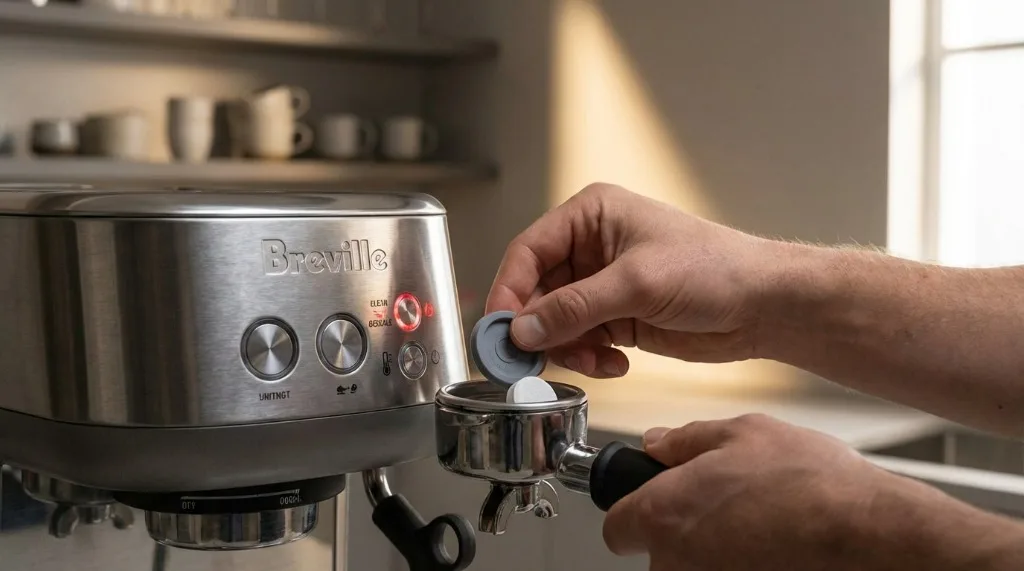
Solution:
-
Prep:
- Empty drip tray
- Fill water tank
- Have cleaning tablet ready
-
Run the cleaning cycle:
- Insert rubber disc in 1-cup basket
- Add one cleaning tablet
- Enter cleaning mode (Barista Express: hold 1-Cup + 2-Cup + Power)
- Let cycle complete—don’t interrupt
-
Rinse thoroughly:
- Remove tablet and disc
- Run 3-4 rinse cycles with just water
- Pull test shot to make sure no chemical taste
If light won’t reset:
- Power cycle (off 30 seconds, back on)
- Repeat cleaning cycle
- Check tablet fully dissolved
- Run additional rinses
Full details in our cleaning cycle guide.
Error 3: Grinder Motor Issue
How it appears:
- Grinder won’t start
- Grinding stops randomly mid-cycle
- Weird grinding sound then silence
What’s happening: Grinder motor is overloaded, jammed, or thermal protection kicked in.
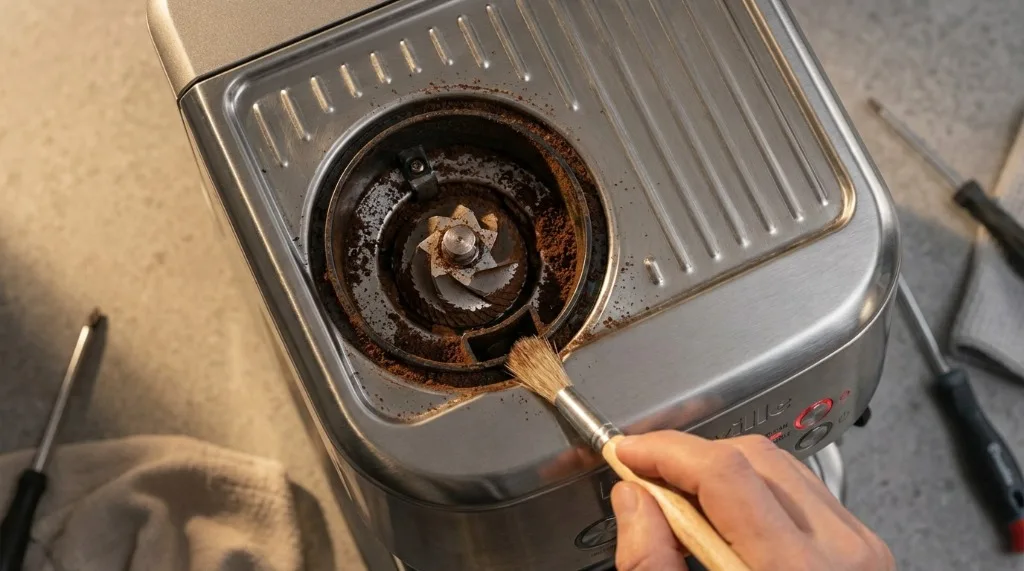
Common causes:
- Beans jammed in burrs
- Something foreign in hopper (happens more than you’d think)
- Grinder overheated from extended use
- Stale or oily beans clogging things up
Fix:
-
Wait 30 minutes if motor overheated (thermal cutoff needs to reset)
-
Clear the jam:
- Unplug machine
- Remove hopper and remaining beans
- Brush the burr area clean
- Check for rocks or debris (seriously, check)
- Vacuum loose particles
-
Test:
- Add small amount of fresh beans
- Try grinding
- Listen for normal operation
Prevention:
- Don’t overfill that hopper
- Use fresh, properly stored beans
- Clean grinder chute weekly
- Go easy on super oily dark roasts
Error 13: Steam Boiler Temperature Fault
How it appears:
- Steam function dead
- Error 13 on display (Oracle)
- Steam light flashing non-stop
What’s happening: Steam boiler temperature sensor reading outside normal—too hot, too cold, or can’t reach target.
Common causes:
- Scale buildup affecting sensor accuracy
- Faulty thermostat
- Mineral deposits in steam boiler
- Sensor wire came loose
DIY fixes:
-
Descale the machine:
- Often fixes temperature sensor issues
- Scale insulates sensor from accurate reading
- Run full descale cycle
-
Power cycle:
- Turn off and unplug
- Wait 5 minutes
- Restart and let fully heat
-
Check water tank:
- Seated properly?
- Adequate water level?
- Clean the valve connection
When to call professional:
- Error persists after descaling
- Machine under 2 years old (warranty)
- Suspected internal component failure
Error 15: Brew Boiler Temperature Fault
How it appears:
- Espresso extraction problems
- Error 15 on LCD
- Machine won’t heat for brewing
What’s happening: Same concept as Error 13, but affecting the brew boiler. Temperature sensor can’t maintain or reach proper brewing temp (92-96°C).
Common causes:
- Heavy scale buildup
- Thermostat failure
- PID controller issue (advanced models)
- Power fluctuations
Fix:
-
Run descale cycle:
- Follow manufacturer process
- Use Breville descaler or citric acid solution
- Complete multiple rinse cycles
-
Check heating:
- Allow full warm-up time
- Monitor temperature gauge if available
- Test with thermometer in cup
-
Power supply check:
- Use stable power outlet
- Avoid extension cords
- Make sure circuit isn’t overloaded
Verification: After fixing, verify brew water is reaching proper temp. Run water into an espresso cup, check with thermometer—should hit 90-96°C.
Error 23: General Fault (Pump or Sensor)
How it appears:
- Multiple lights flashing together
- Error 23 on display
- No water flow despite full tank
What’s happening: General fault indicating pump isn’t operating correctly or a sensor is reading abnormal values.
Possible causes:
- Air lock in pump
- Clogged solenoid valve
- Sensor malfunction
- Low water pressure
Diagnostic steps:
-
Check water tank:
- Remove and reseat firmly (should click)
- Ensure valve engages properly
- Fill to maximum
-
Prime the pump:
- Turn on machine
- Open steam wand valve
- Let pump run until water flows steady
- Close valve
-
Clear air locks:
- Run water through grouphead
- Flush steam wand
- Backflush with water only (no tablet)
-
Listen to pump:
- Should be consistent humming
- Clicking or silence = problem
If pump isn’t running:
- Check power connections
- Might be blown internal fuse
- Professional service likely needed
Error 45: Thermocoil Fault
How it appears:
- Machine won’t heat at all
- Error 45 displayed
- Red light flashing
What’s happening: Thermocoil (heating element) has a critical fault—burned out, heavily scaled, or electrical issue.
Important notes:
- This is usually serious
- Often requires professional repair
- Common in machines with heavy scale buildup
Can you fix it yourself?
Try first:
- Descale (if machine runs at all)
- Power cycle
- Check all connections secure
Most likely outcome:
- Thermocoil replacement needed
- Parts cost: $100-200
- Labor intensive—often better to have a pro do it
Prevention:
- Descale regularly (every 2-3 months)
- Use filtered water
- Don’t ignore descale warnings
Model-Specific Error Patterns
Barista Express (BES870/BES875)
Common patterns:
| Indicator | Meaning | Fix |
|---|---|---|
| All lights flash | General error | Power cycle, descale |
| 1-Cup flashing | Cleaning needed | Run clean cycle |
| Power + 2-Cup flash | Descale needed | Run descale cycle |
| Steam light flash | Steam fault | Check steam boiler |
Barista Pro (BES878)
LCD messages:
| Message | Meaning | Fix |
|---|---|---|
| ”Clean Me” | Cleaning due | Run clean cycle |
| ”Descale” | Descale due | Run descale cycle |
| ”Empty Tray” | Drip tray full | Empty and reseat |
| ”Replace Filter” | Filter expired | Replace water filter |
Oracle / Oracle Touch
Advanced diagnostics:
- Navigate: Settings → Diagnostics
- View specific error codes
- Check component status
- Access service mode (authorized techs)
Common Oracle errors:
| Code | What It Means | Fix |
|---|---|---|
| E01 | Water tank | Reseat tank |
| E03 | Grinder | Clear jam |
| E13 | Steam temp | Descale |
| E15 | Brew temp | Descale |
Bambino / Bambino Plus
Simpler system:
- Fewer indicator lights
- Main issues: water tank, cleaning, temperature
- Power cycle resolves most minor issues
Resetting Your Breville Machine
Sometimes a reset clears persistent errors:
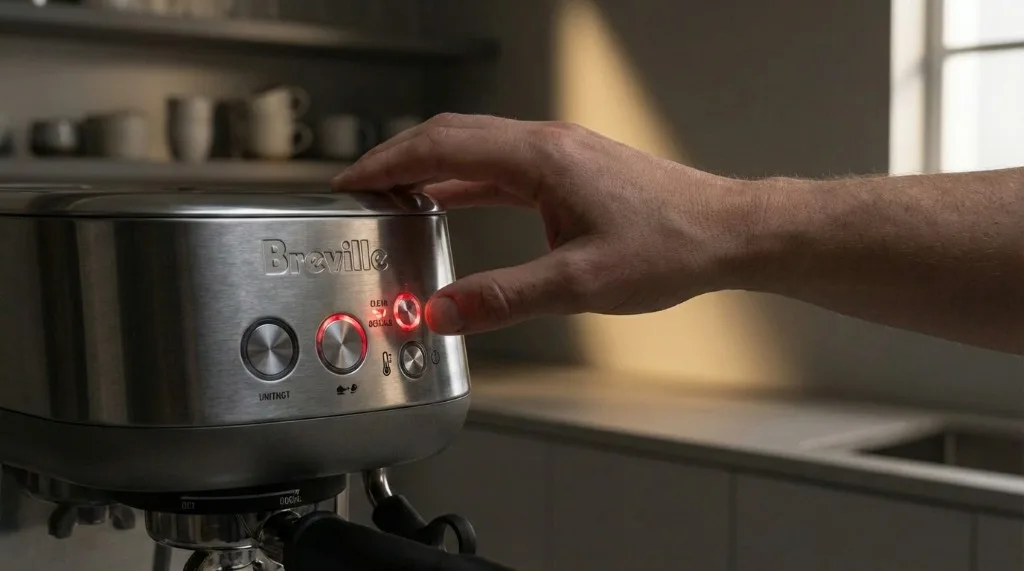
Soft Reset (Try First)
- Turn off machine
- Unplug from power
- Wait 30 seconds
- Plug back in
- Turn on and test
Factory Reset (Model-Specific)
Barista Express:
- Turn off
- Hold PROGRAM button
- Turn on while holding
- Release when lights flash
- Factory defaults restored
Barista Pro:
- Settings → Reset
- Confirm
- Machine restarts
Oracle Touch:
- Settings → Maintenance → Reset
- Choose “Factory Reset”
- Confirm and wait
Note: Factory reset clears all custom settings—you’ll reprogram everything.
Prevention: Avoiding Error Codes
Best fix is preventing errors in the first place:
Daily Habits
- Empty drip tray before it overflows
- Purge steam wand after each use
- Wipe grouphead after last shot
- Check water level before brewing
Weekly Maintenance
- Run cleaning cycle with tablet
- Deep clean portafilter and basket
- Wipe all surfaces
- Clean grinder chute
Monthly Tasks
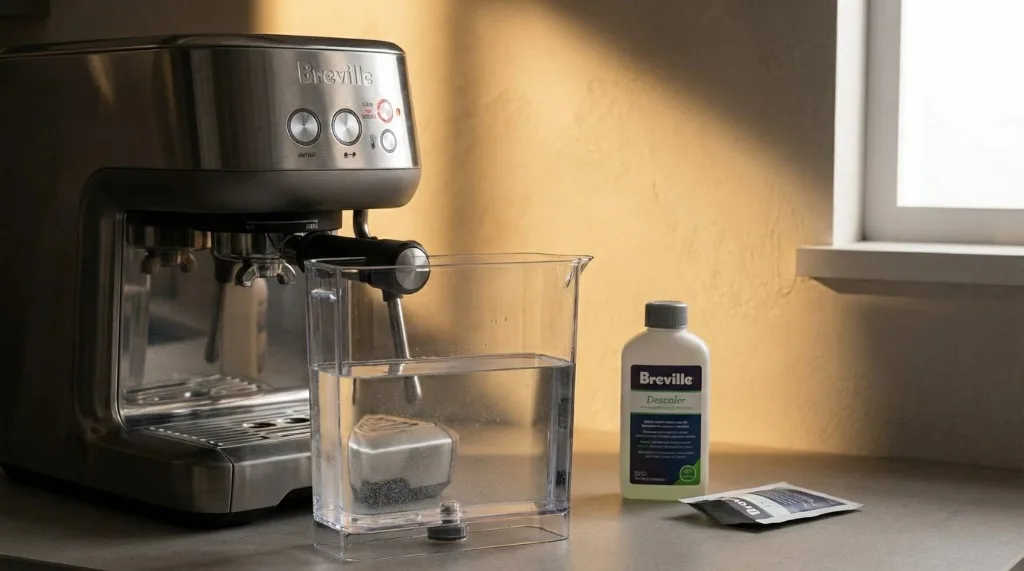
- Descale (or as indicated)
- Inspect shower screen
- Check grouphead gasket
- Clean water tank thoroughly
Water Quality
- Use filtered water
- Avoid distilled (too flat for sensors—causes issues)
- Replace filter on schedule
- Empty tank if unused for days
When to Call for Professional Service
Some things need expert help:
Warranty-covered (call Breville first):
- Machine under 2 years old
- Error persists after all DIY fixes
- Visible component damage
Worth professional repair:
- Thermocoil replacement
- Pump replacement
- Internal wiring issues
- Persistent unexplained errors
Consider replacement if:
- Machine over 5 years old
- Repair cost exceeds 50% of new price
- Multiple major components failing
Key Takeaways
- Most errors are maintenance-related—cleaning and descaling fix 80% of issues
- Power cycle first—simple reset resolves many temporary faults
- Listen to your machine—unusual sounds often precede error codes
- Prevention beats troubleshooting—routine care prevents most errors
- Know when to call pros—some repairs genuinely need expertise
Error codes feel intimidating when they first appear. But most have straightforward solutions. With this guide, you’ll fix the majority yourself—and get back to great espresso faster.
Related Guides:

Mikael
Home espresso enthusiast and Breville specialist. Helping you master the art of coffee brewing from your own kitchen.
Learn more about me →