Breville Won't Turn On? Fixes
Diagnose why your Breville machine won't start. Solutions for unresponsive buttons, flashing lights, and power failures on Barista and Dual Boiler models.
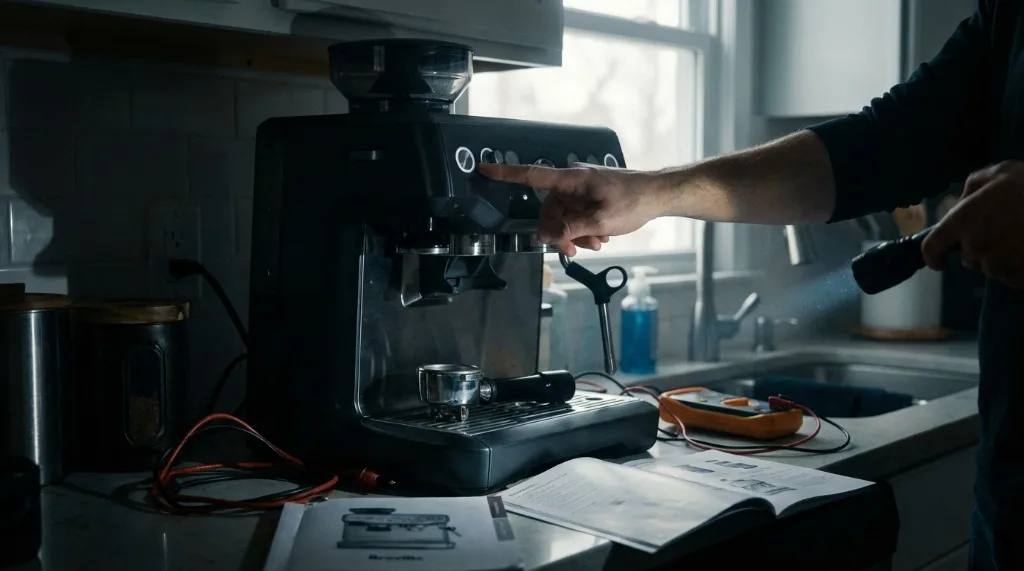
You press the power button, ready for your morning ritual, and… nothing. No lights, no pump sound, just a dark machine staring back at you. Or perhaps the lights flash erratically for a moment and then shut off.
It’s a gut-punch moment, especially before you’ve had coffee. I still remember the panic when my Barista Express went completely dead one Monday morning—turns out it was just a tripped GFI outlet that I didn’t even know existed behind the toaster. Easy fix, but those 10 minutes of thinking I’d killed my machine were rough.
Before you panic and start shopping for a replacement, know that many power issues are triggered by safety sensors, electronic glitches, or simple oversights that can be fixed at home. This guide covers everything from basic checks to advanced diagnosis, so you can get back to brewing as quickly as possible.
Common Power Issue Symptoms
Let’s first identify what you’re dealing with:
Total Blackout (No Response)
Symptoms:
- Pressing the power button does nothing.
- No lights, no sounds, no heat.
- The machine appears completely dead.
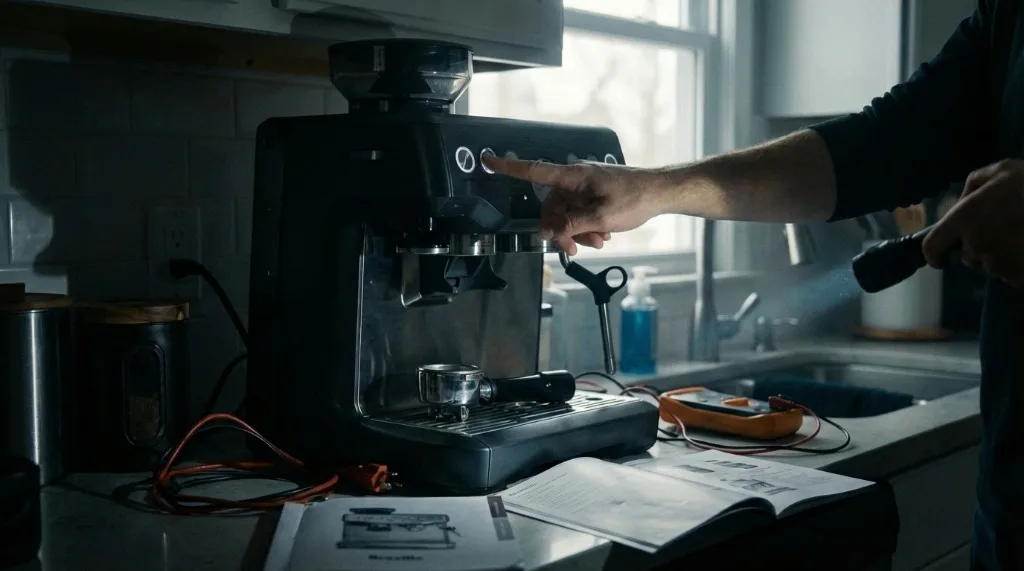
Common Causes:
- No power at the outlet (tripped breaker or GFI).
- Internal fuse blown.
- Control board failure (rare).
Pulsing or Flickering Lights
Symptoms:
- The power button LED pulses slowly or rapidly.
- Lights come on briefly, then turn off.
- Machine won’t advance to “ready” state.
Common Causes:
- Water tank not seated properly.
- Safety interlock triggered.
- Electronics frozen/glitched.
Short Cycle (Turns On Then Off)
Symptoms:
- Machine powers up for 2-5 seconds.
- Clicks off by itself.
- May repeat this cycle.
Common Causes:
- Thermal protection triggered.
- Solenoid valve stuck.
- Low voltage supply.
Dim LEDs
Symptoms:
- Lights are visible but very faint.
- Machine may partially function.
Common Causes:
- Low voltage from outlet.
- Failing power supply.
- Corroded power connections.
Basic Power Checks (Do These First)
Before opening anything or calling support, try these quick checks. They solve the problem 70% of the time.
Check 1: The Outlet
This sounds obvious, but I’ve been embarrassed by this one.
- Unplug the espresso machine.
- Plug a phone charger or lamp into the exact same outlet.
- Does it work?
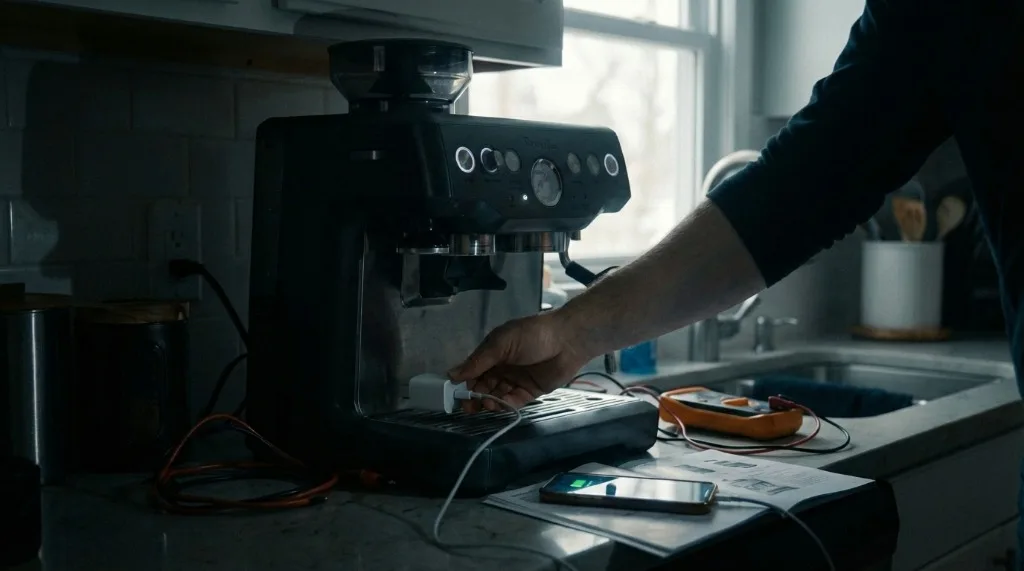
Why this matters: High-wattage appliances like espresso machines (1500-1800W) can trip sensitive GFI/GFCI outlets common in kitchens. Look for a GFI outlet nearby with a “Test/Reset” button. Press Reset.
Also check: Is there a wall switch that controls that outlet? Someone may have turned it off.
Check 2: The Water Tank Sensor
Many Breville machines won’t fully power up if the water tank isn’t seated correctly. It’s a safety feature to prevent dry-boiler damage.
- Remove the water tank completely.
- Check for debris on the tank base or in the tank cavity.
- Look at the sensor pins in the machine (a small plastic or metal contact).
- Push the tank back in firmly until it clicks into place.
- Try powering on again.
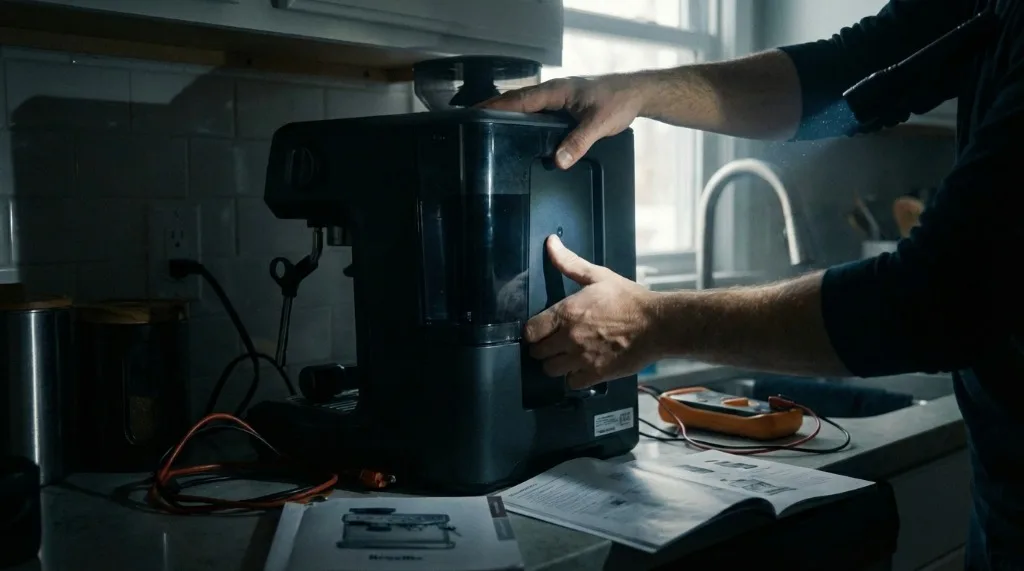
On some models, the tank needs to be pushed down and slightly forward to engage the sensor.
Check 3: Steam/Hot Water Knob Position
This catches people off guard.
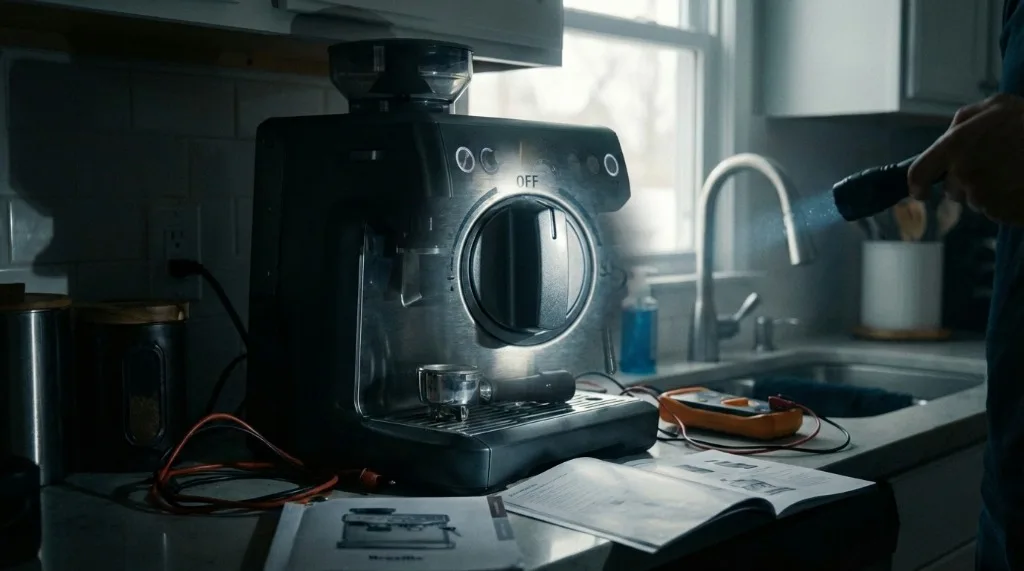
If the steam dial was left slightly open (even a millimeter), the machine won’t power up normally. It’s a safety lockout to prevent accidental steam burns on startup.
Fix: Ensure the steam dial is in the fully OFF position (typically vertical/centered). Try powering on.
Check 4: Portafilter and Drip Tray
Some models have sensors for:
- Drip tray in place
- Portafilter not locked in
Remove the portafilter completely and ensure the drip tray is seated properly, then try again.
Reset Procedures
Electronics can freeze, just like computers. A reset often clears logic board glitches.
Standard Power Cycle (Hard Reset)
This is step one for any unresponsive electronics.
- Turn the machine off using the power button (if it responds).
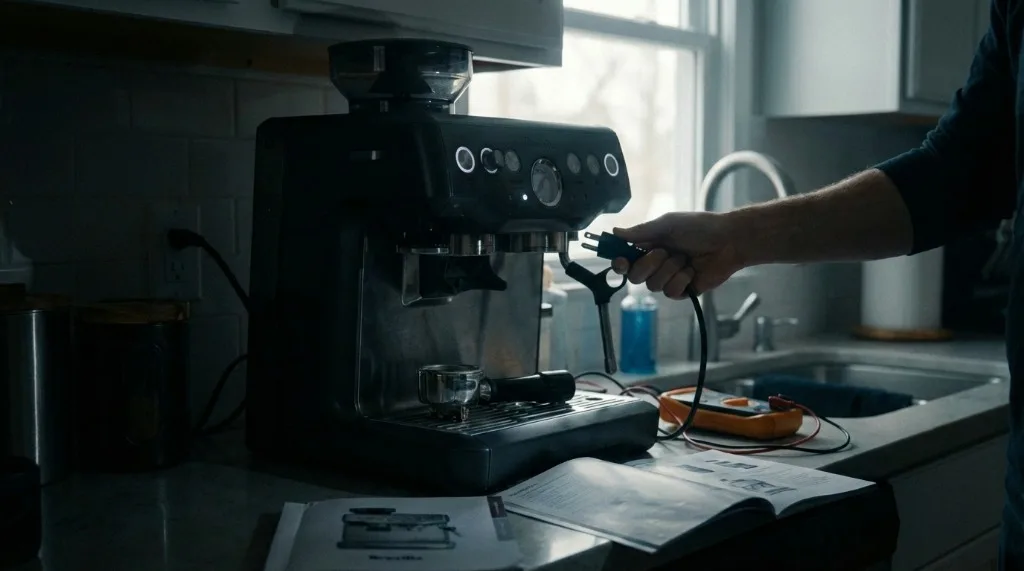
- Unplug the machine from the wall outlet.
- With the machine unplugged, press and hold the Power button for 10 seconds. This discharges any residual capacitor power in the electronics.
- Wait 10-15 minutes. (This is important—it allows capacitors to fully discharge and thermal sensors to reset if they were triggered.)
- Plug back in.
- Attempt to power on.
This single step fixes most “frozen” machines.
Factory Reset (Barista Express / Barista Pro)
Note: This resets programmable shot volumes, temperature settings, and PID calibration back to defaults.
Barista Express:
- Turn machine off.
- Press and hold the 1 Cup and 2 Cup buttons simultaneously.
- While holding those, press the Power button.
- The machine will beep and lights will flash to confirm reset.
- Release all buttons.
Barista Pro / Barista Touch:
- Turn machine off.
- Press and hold the Program button.
- While holding, press Power.
- Wait for confirmation beep/screen message.
After a factory reset, the machine should power on normally. You’ll need to re-program your shot volumes and preferences.
Exit Cleaning Mode (Bambino / Bambino Plus)
A common issue: the cleaning cycle was interrupted, and now the machine is “stuck.”
Symptoms:
- Lights flash in a pattern.
- Machine won’t brew normally.
Fix:
- Press the 1 Cup and 2 Cup buttons simultaneously.
- Hold for 5 seconds.
- This exits cleaning mode lockout.
Internal Issues and Advanced Diagnosis
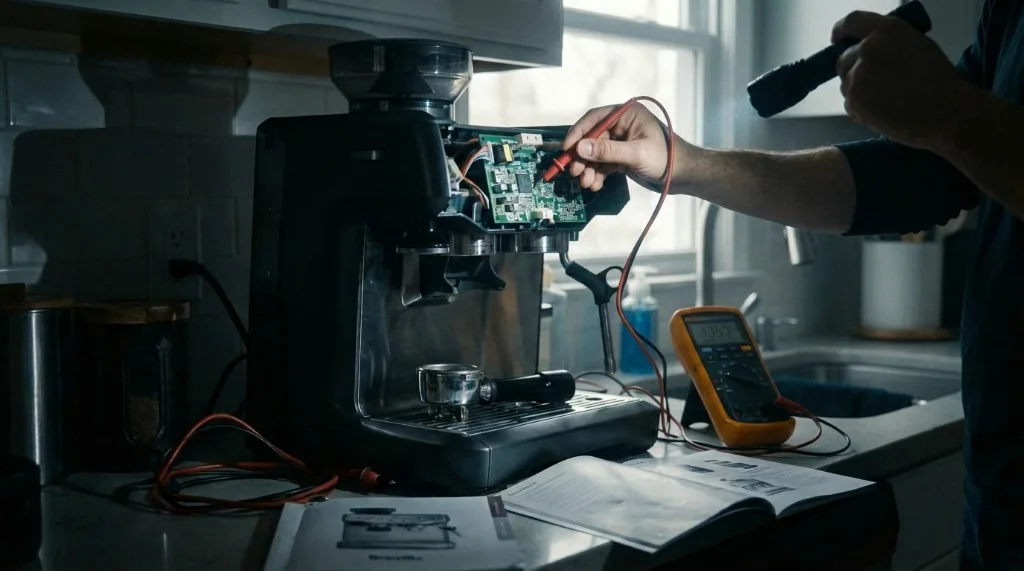
If resets fail, the issue is likely hardware. Here’s what may be happening:
1. Thermal Fuse Cutoff
Symptom: Total blackout. Absolutely no power. Machine feels cold (wasn’t in use).
What happened: Breville machines have thermal fuses attached to the boiler. If the machine overheated (left on steam mode for extended periods, descaling failure, or stuck thermostat), the thermal fuse blows to prevent fire.
This is a safety feature—it works as intended. But it means no power until the fuse is replaced.
Fix:
- Requires opening the machine and replacing the thermal fuse assembly.
- This is a DIY-repairable part if you’re comfortable with basic electronics.
- Replacement fuses cost ~$10-20.
- Caution: Opening the machine voids warranty on most models.
2. Triac Board Failure (Main Control Board)
Symptoms:
- Pump runs continuously when plugged in, even with power “off.”
- Machine creates a loud buzzing even when switched off.
- Erratic behavior (random button responses).
What happened: Moisture or a power surge damaged the PCB (printed circuit board). Water ingress from steam or improper descaling is a common culprit.
Fix:
- Requires professional board replacement.
- Breville sells replacement boards, but installation requires soldering and electronic knowledge.
- Often more cost-effective to use Breville’s flat-rate repair service.
3. Stuck Solenoid Valve
Symptoms:
- Machine turns on.
- Immediately makes a loud buzzing noise.
- Shuts down after a few seconds.
- May smell slightly hot/electrical.
What happened: The 3-way solenoid valve is stuck, either from scale or mechanical failure. The coil draws excessive current trying to actuate it, triggering protection.
Fix:
- Sometimes a thorough descaling cycle frees the valve.
- Often the solenoid coil or entire valve assembly needs replacement.
- On Barista Express, this is a moderately difficult DIY repair.
4. Blown Internal Fuse
Symptoms:
- Total blackout.
- Machine was working fine, then suddenly dead (often after a power surge or storm).
What happened: The internal fuse (different from the thermal fuse) blew due to a power spike.
Fix:
- Requires opening the machine.
- Locate the fuse on the power entry board.
- Replace with an identical fuse (same rating).
- Important: If the new fuse blows immediately, there’s a deeper electrical fault—stop and seek professional repair.
Model-Specific Tips
Breville Bambino / Bambino Plus
Common issue: Stuck in cleaning mode.
- Press 1 Cup + 2 Cup simultaneously to exit.
Power save mode:
- The Bambino Plus has aggressive power save. It may appear “off” when it’s just sleeping.
- Press any button once gently to wake it.
Breville Barista Express / Pro
Tank sensor sensitivity:
- These models are picky about tank seating. Push firmly until you hear/feel the click.
After a power outage:
- May require full power cycle (unplug 10 min) to reset the board.
Breville Dual Boiler / Oracle
Power save mode:
- The Oracle series has an eco/power save mode that turns off the display.
- The machine may be on (warm) but appear off.
- Touch any button or the screen to wake it.
Startup sequence:
- Dual Boilers have a 20-30 second startup sequence. If you press power and nothing happens for 5 seconds, wait—it may be initializing.
Electrical Safety Warning
Stop immediately and seek professional help if:
- You smell burning plastic or ozone.
- You see sparks or smoke.
- The power cord is damaged, frayed, or hot to the touch.
- You’re not comfortable working with electronics.
Espresso machines run on 120V/240V mains power. Electrical shock and fire are real risks if repairs are done incorrectly.
When to Seek Professional Service
If you’ve tried all the above and the machine still won’t power on:
-
Machine is under warranty? Contact Breville support. They’ll often replace problematic components or the entire unit.
-
Out of warranty? Breville offers a flat-rate repair service (around $100-150 in the US) that covers most issues. Often cheaper than buying new.
-
Third-party repair: Local espresso machine technicians can often diagnose and fix power issues. Bring the machine in for a quote.
-
DIY repair: If you’re electrically savvy, many components (thermal fuses, solenoids, control boards) are available online. YouTube has teardown videos for most Breville models.
Prevention Tips
-
Use a surge protector. Power spikes kill espresso machine electronics. A $20 surge protector can save a $500 machine.
-
Don’t leave steam mode running. Extended steam operation without milk friction generates excess heat.
-
Descale regularly. Scale buildup causes stuck valves, which causes solenoid burnout.
-
Keep water away from the body. When filling the tank or cleaning, avoid spilling water on the machine housing where vents can allow ingress.
Related Guides:

Mikael
Home espresso enthusiast and Breville specialist. Helping you master the art of coffee brewing from your own kitchen.
Learn more about me →